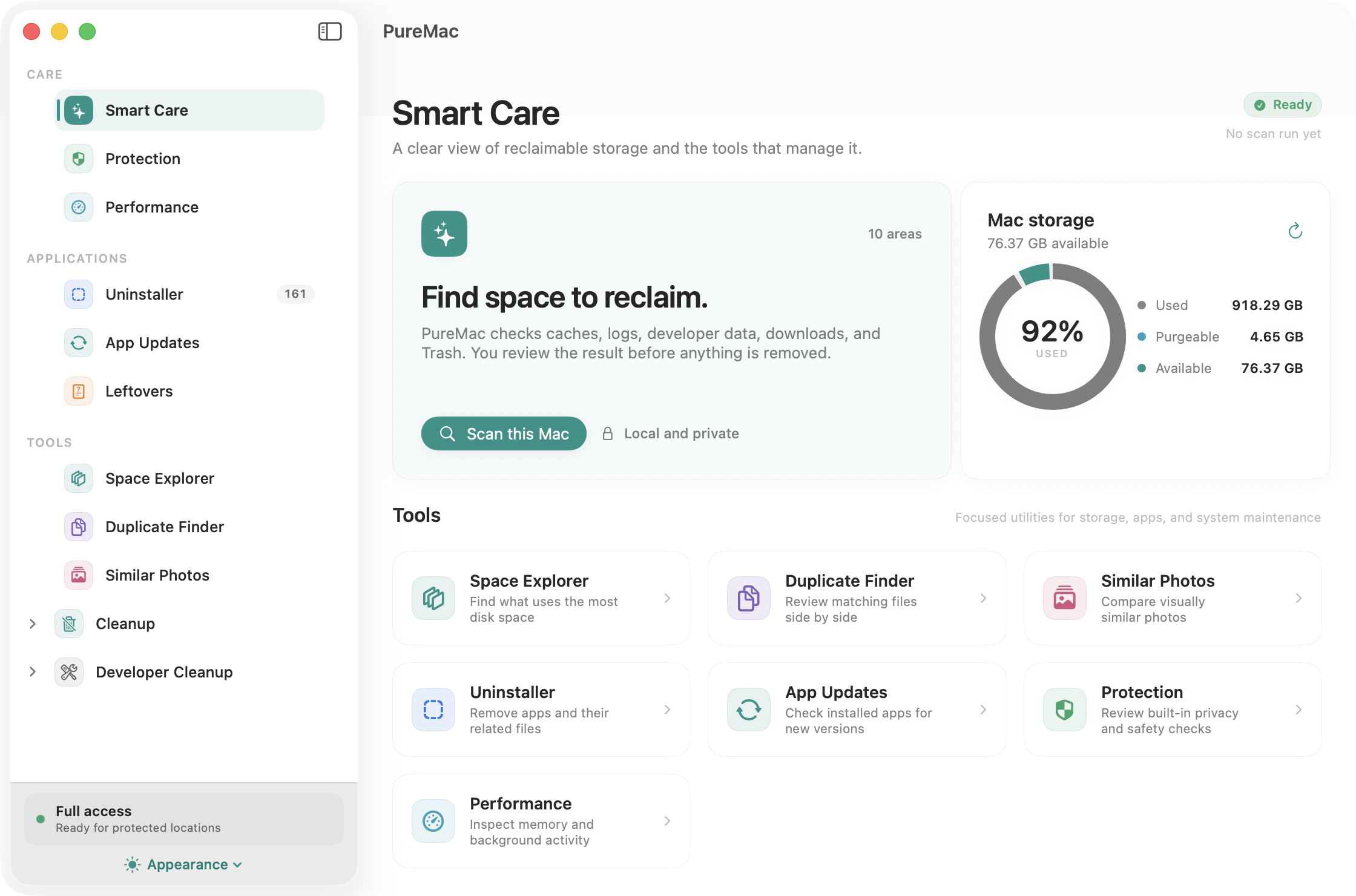
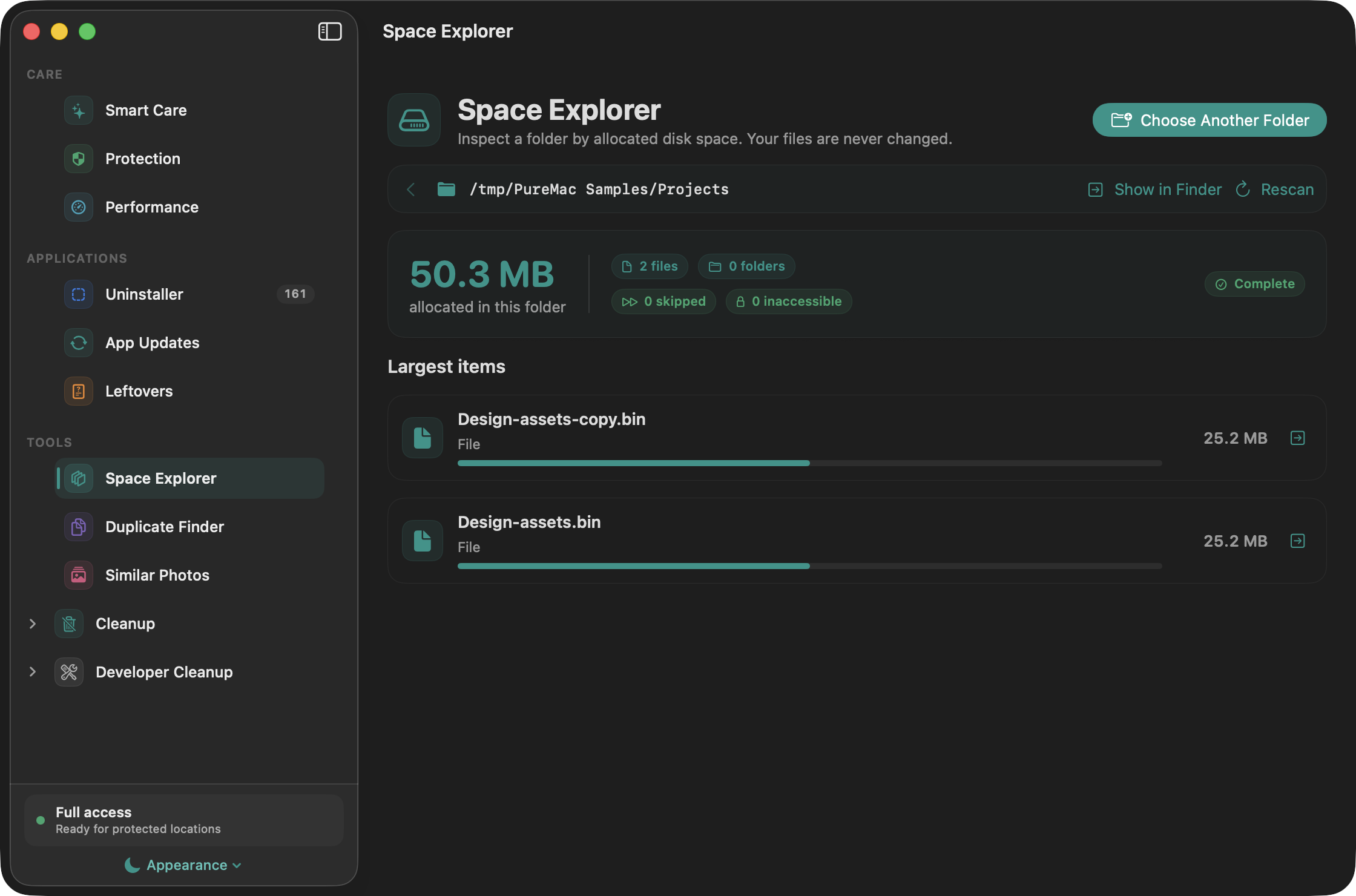
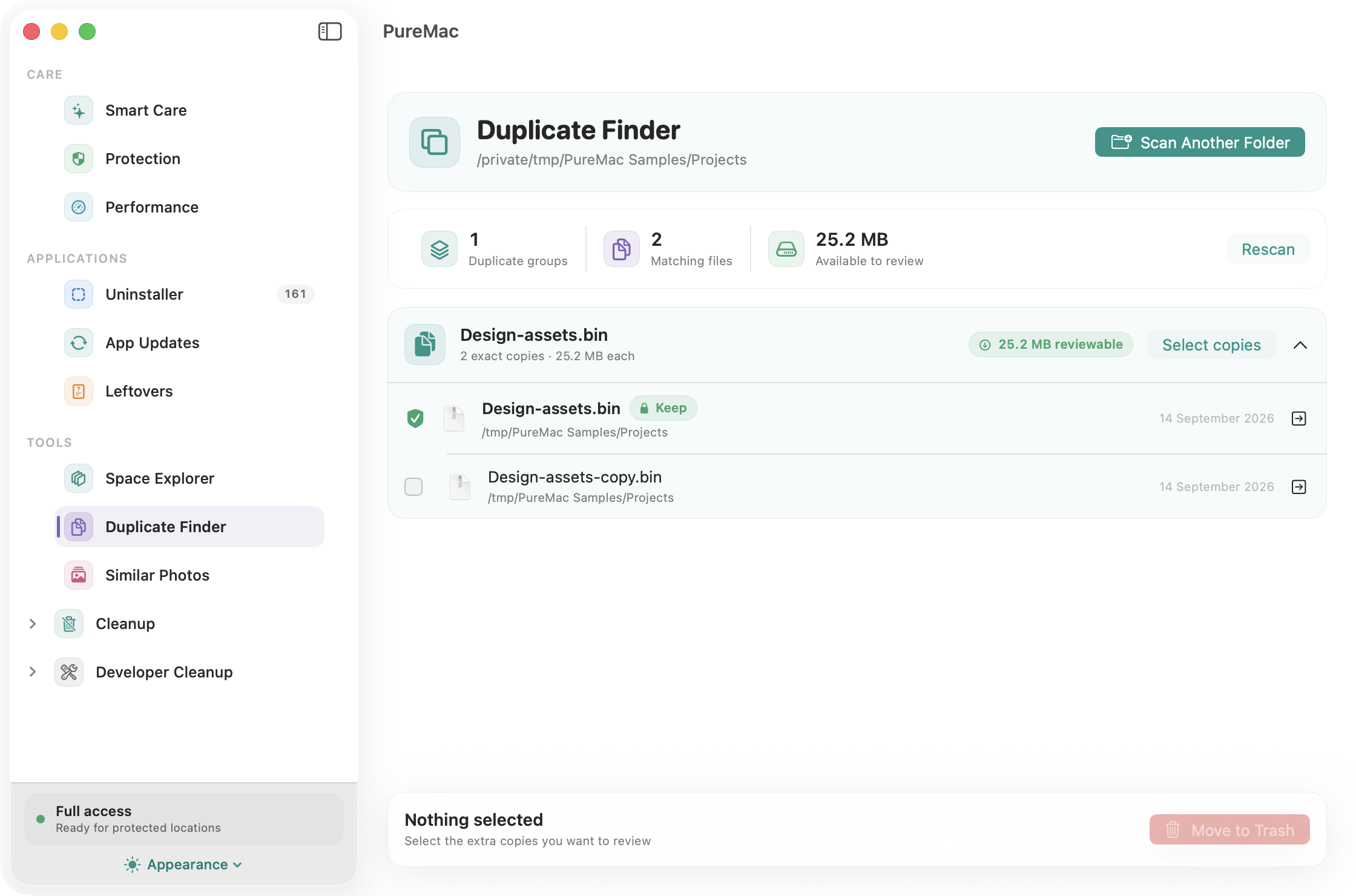
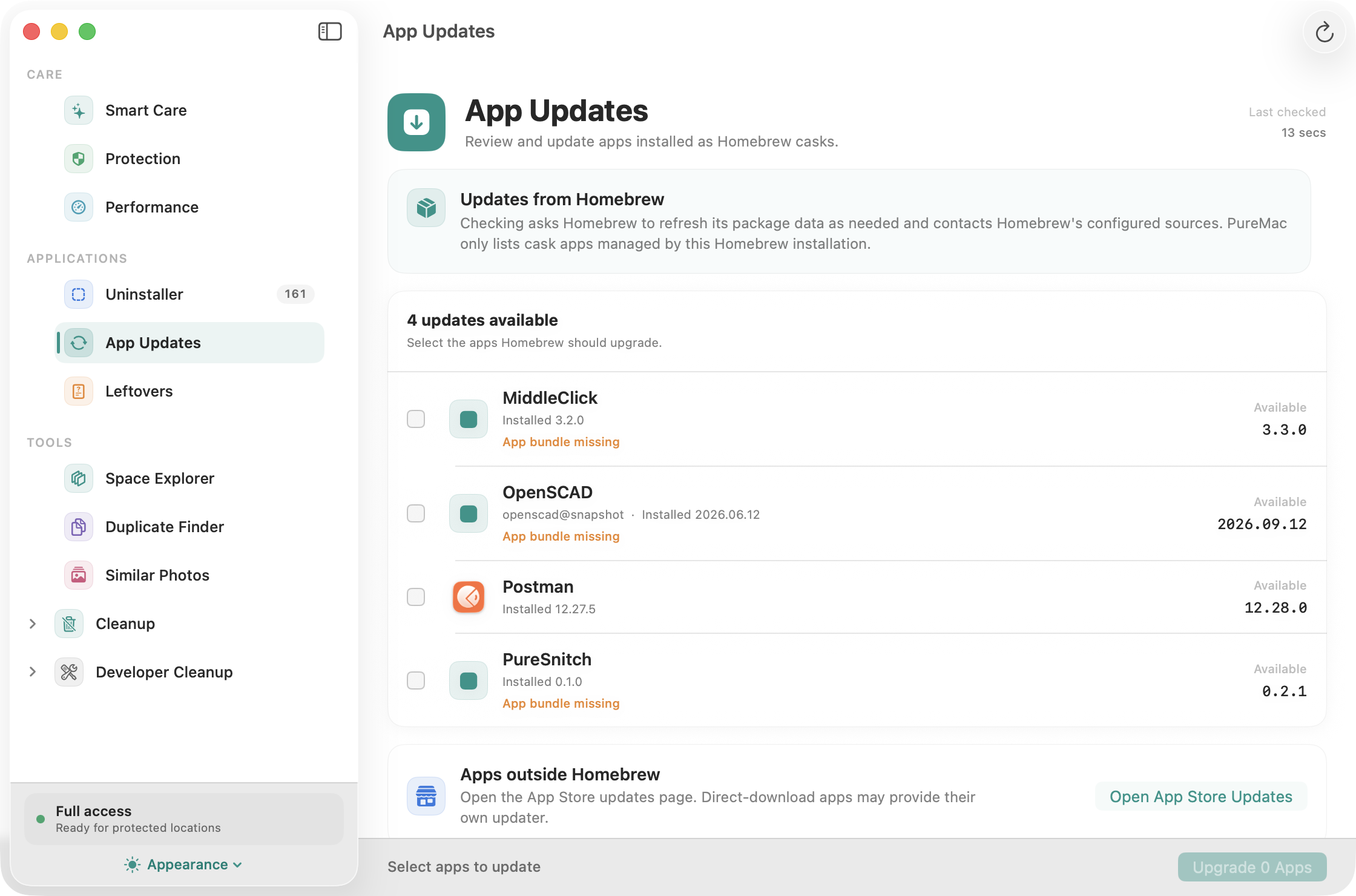
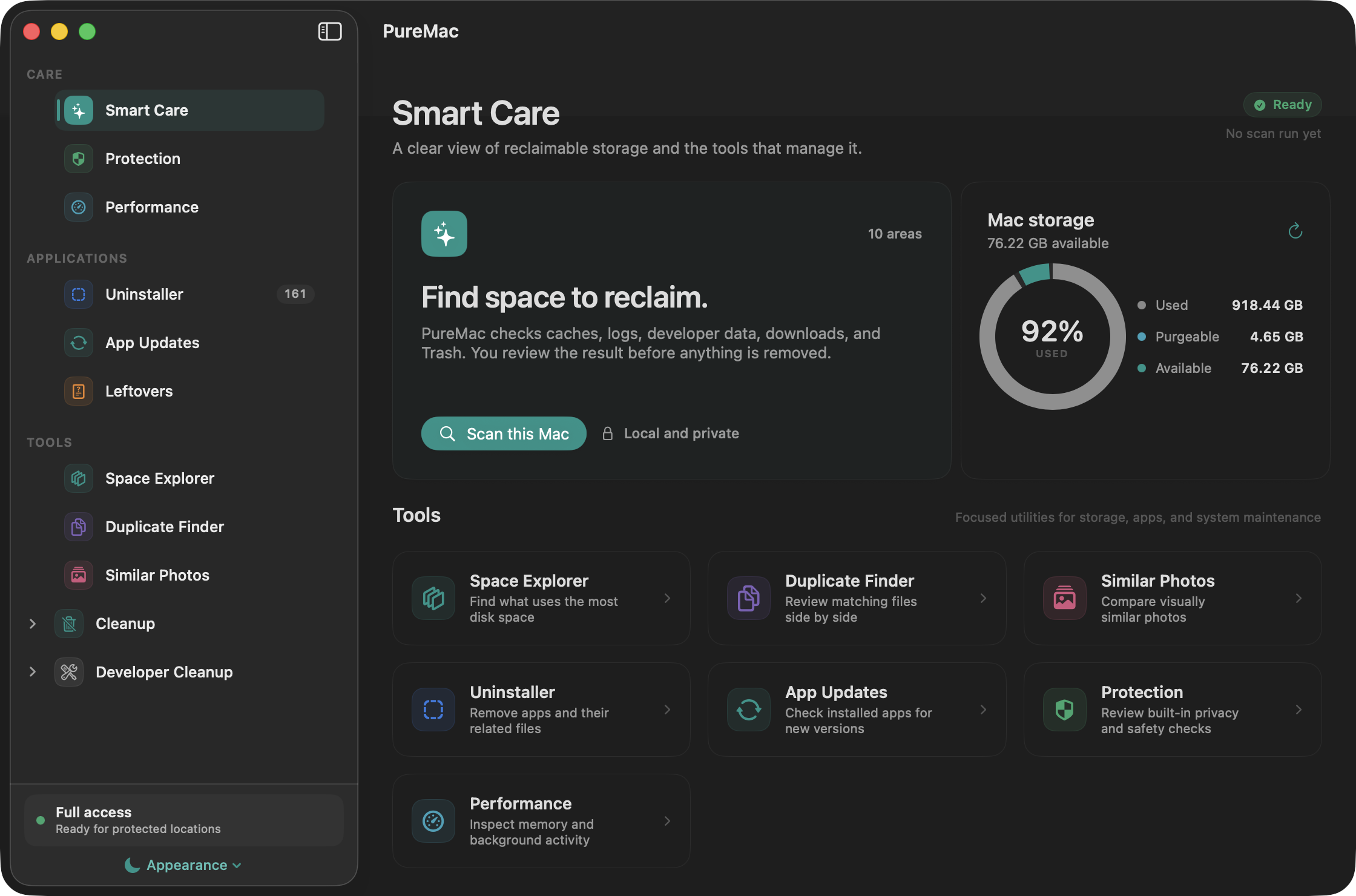
Smart CareFind what you can clear.
Scan caches, logs, downloads, and developer data. Filter by name, size, or age, inspect the paths, then confirm your selection.
- Exclude files and folders you want to keep
- Stop a scan and review completed categories
- See purgeable space separately from cleanup
Understand removal behavior ↗
Apps & leftoversGo beyond the app bundle.
Find related preferences, caches, containers, and logs. Review suggested matches before removing an app or old leftovers.
Matching is heuristic. You decide which related files to remove.
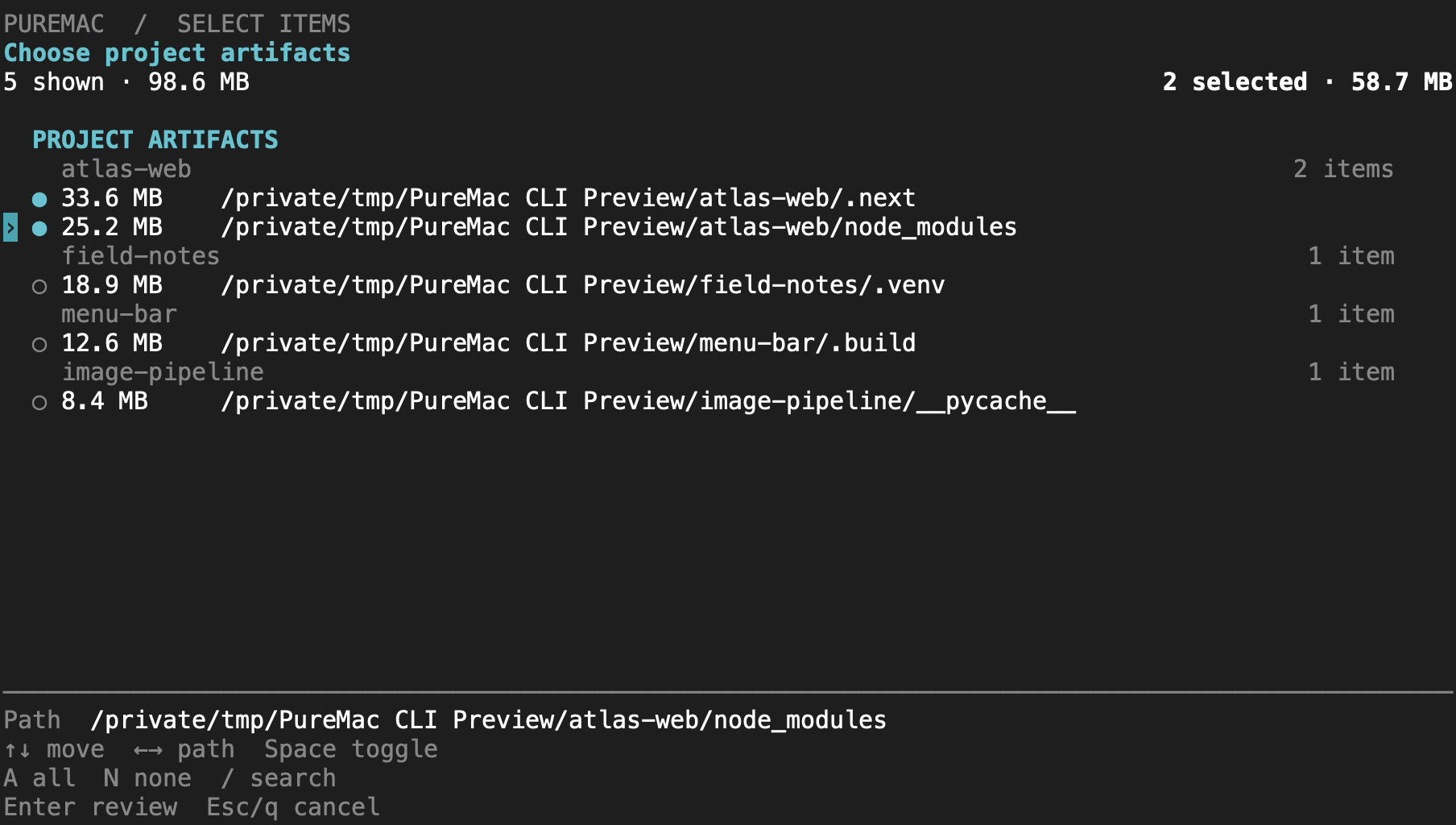
Developer cleanupClear yesterday’s build files.
Review Xcode data, Homebrew downloads, Node package caches, Docker data, and local AI-app caches.
Check each selection. Build artifacts, Docker resources, and histories can contain data you still need.